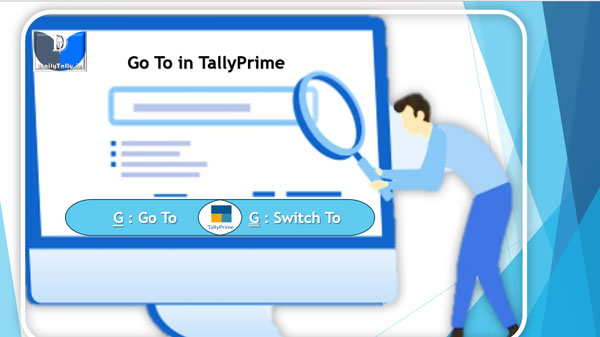
Go To feature in TallyPrime is located on the top menu. The Go To feature in TallyPrime helps you to quickly access any report which you want to use. Any screen that you access using Go To will open on top of the current screen, and closing the screen will take you back to the screen that was open earlier.
TallyPrime-Tips-and-Tricks
How to select all entries in a daybook in TallyPrime?

Daybook in TallyPrime is an account book in which a day’s entries or transactions are captured. TallyPrime stays true to the traditional Day Book used by businesses for manual bookkeeping while bringing in a host of powerful features like viewing the profitability of sales, inserting a voucher right from the report into the books, viewing only a particular type of transactions, and so on.
TallyPrime Tips and Tricks – Import any ledger account from one to another company

TallyPrime tips and tricks helps you to easily import any ledger account information from one master company to new or blank company without any additional efforts. TallyPrime Tips and Tricks not only gives additional knowledge but also increase working speed of TallyPrime users in daily official job.