This is the difference between the Rajasthan state code and Rajasthan GST state code. State codes are used to denote geographic regions, including states, provinces, and countries.
Tableau vs Power BI: Find Which Is Better Data Visualization Tool?
Tableau vs Power BI: Is Power BI better than Tableau? Their applications are slightly different and will depend on the specific need. Tableau is mostly used to create data visualizations while Power BI is used for reporting. Let’s discuss about Tableau vs Power BI.
Top Advantages and Disadvantages of Power BI

Most of the person known very well about the Microsoft Power, but do you know the Top Advantages and Disadvantages of Power BI ?
Microsoft Power BI – Definition and Key Features

Microsoft Power BI is a business analytics tool which is used by business analysts and professionals and developed by Microsoft. Power BI enables users to visualize and share insights from their data. Power BI full form is basically Power Business Intelligence.
How to show or hide Final Accounts in TallyPrime
By default, in Gateway of Tally -> Report section you can view given options Balance Sheet, Profit & Loss A/c, Stock Summary, Ratio Analysis and Display More Reports. We can easily get all final accounts in TallyPrime Gateway of Tally Report section at the place of previous above options.
Allu Arjun’s and Rashmika film Pushpa 2 crosses Rs 1400 cr

As per the latest news Pushpa movie second part made a grand record of earnings at the box office. The film has completed 12 days at the box office and the film has collected more than Rs 1400 crore in these 12 days.
Go To Feature in TallyPrime
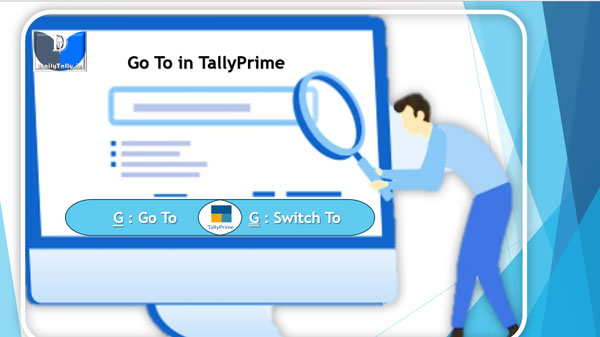
Go To feature in TallyPrime is located on the top menu. The Go To feature in TallyPrime helps you to quickly access any report which you want to use. Any screen that you access using Go To will open on top of the current screen, and closing the screen will take you back to the screen that was open earlier.
How to select all entries in a daybook in TallyPrime?

Daybook in TallyPrime is an account book in which a day’s entries or transactions are captured. TallyPrime stays true to the traditional Day Book used by businesses for manual bookkeeping while bringing in a host of powerful features like viewing the profitability of sales, inserting a voucher right from the report into the books, viewing only a particular type of transactions, and so on.
GST in India – Definition, Types and Key Feature of GST
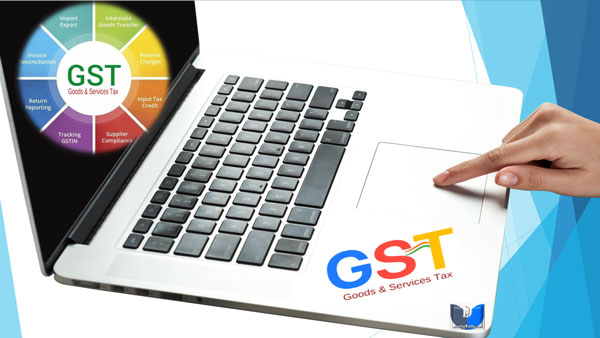
GST in India – GST Stands for Goods and Service Tax. It is a value-added tax (VAT) collectively levied on goods and services by the Central and State Governments during purchases and sales. It is an indirect tax imposed on supply of goods and services. It is a multi-stage destination-oriented tax imposed on every value addition, replacing multiple indirect taxes like excise duty, vat, service tax and many more.
What is GST report or GST return
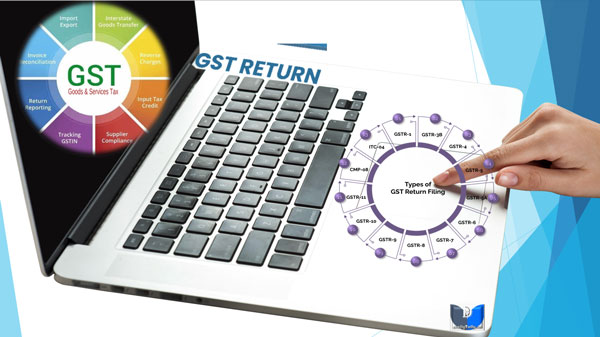
A GST report or GST return used for sales transactions provides a comprehensive overview of the Goods and Services Tax (GST) collected on sales by a business with-in a specific period. GST report or return is a mechanism that summarizes the GST received and paid by you.